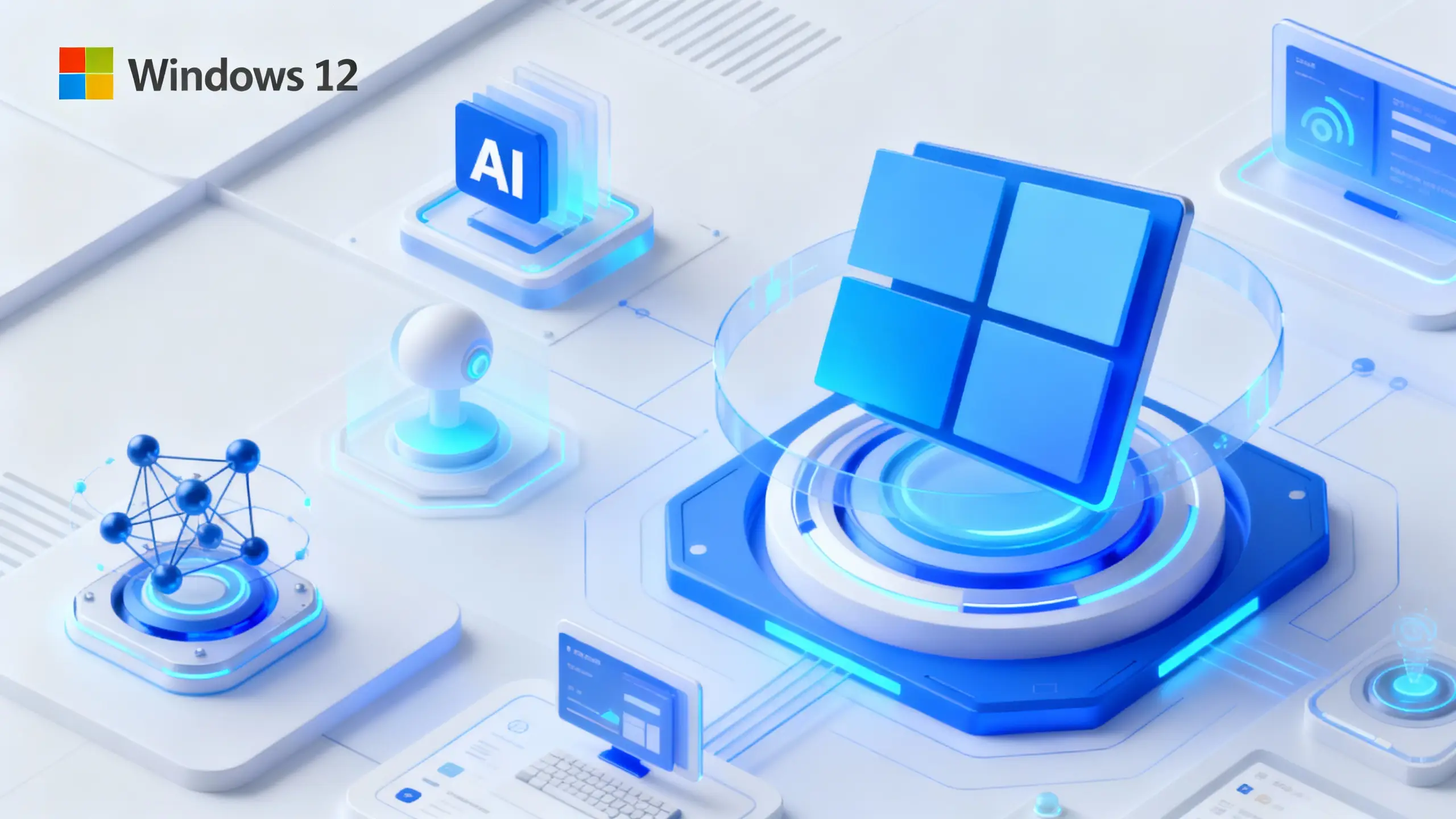
In early 2026, Microsoft executives revealed their vision for Windows 12, describing a fundamental shift from traditional desktop computing to AI-powered ambient computing where the operating system understands user intent and adapts to how people work. According to Windows Central's reporting, Pavan Davuluri, head of the Windows division, stated that Windows 12 will be "ambient" and "multimodal," with voice as a first-class input method that enables semantic understanding of user intent rather than simple voice dictation.
The system will be able to "look at your screen" and become context-aware, understanding what's happening on-screen to provide intelligent assistance without manual app switching. According to Windows Central's analysis, this represents a shift from users adapting to Windows toward Windows adapting to user preferences, with the OS supporting multiple input methods simultaneously—voice, keyboard, mouse, pen, and touch—while understanding context across all of them.
Microsoft claims most processing will happen locally on devices to address privacy concerns, building on existing Copilot+ PC features like semantic search and task automation. According to The Verge's reporting, Microsoft executives envision turning every Windows PC into an "AI PC that Copilot controls and users talk to," representing a fundamental reimagining of how users interact with computers.
The Vision: From Desktop to Ambient Computing
Microsoft's vision for Windows 12 represents a fundamental shift from traditional desktop computing to ambient computing. According to Windows Central's reporting, Pavan Davuluri described Windows 12 as becoming "ambient" and "multimodal," adapting to how users prefer to work rather than requiring users to adapt to the operating system.
This ambient computing vision means that Windows will become contextually aware of user activities and environment. According to Tech2Geek's analysis, the system will monitor workflow patterns, understand applications in use, and proactively suggest actions based on current tasks. This capability enables Windows to provide intelligent assistance without explicit commands, making computing more natural and intuitive.
The ambient computing approach also means that Windows will span multiple form factors and interaction modes. According to Windows Central's reporting, the OS will adapt to user preferences, whether they prefer keyboard and mouse, touchscreen, stylus, or voice. This flexibility makes Windows more accessible and useful across different devices and use cases.
However, the ambient computing vision also raises questions about privacy and control. According to The Verge's reporting, Microsoft claims most processing will happen locally on devices, but skepticism remains following past controversies like the Recall feature backlash. This privacy concern is crucial for user acceptance of ambient computing features.
The ambient computing vision also requires sophisticated AI infrastructure. According to Microsoft's documentation, Microsoft is building this capability through local AI processing via Windows AI APIs and Microsoft Foundry on Windows, with most processing happening locally to address privacy concerns. This infrastructure is essential for enabling ambient computing capabilities.
Voice as Primary Input: Semantic Understanding Over Dictation
One of the most significant aspects of Microsoft's Windows 12 vision is making voice a first-class input method alongside traditional keyboard and mouse. According to Windows Central's reporting, Pavan Davuluri stated that users will be able to "speak to your computer while you're writing, inking, or interacting with another person," with the OS "semantically understanding your intent."
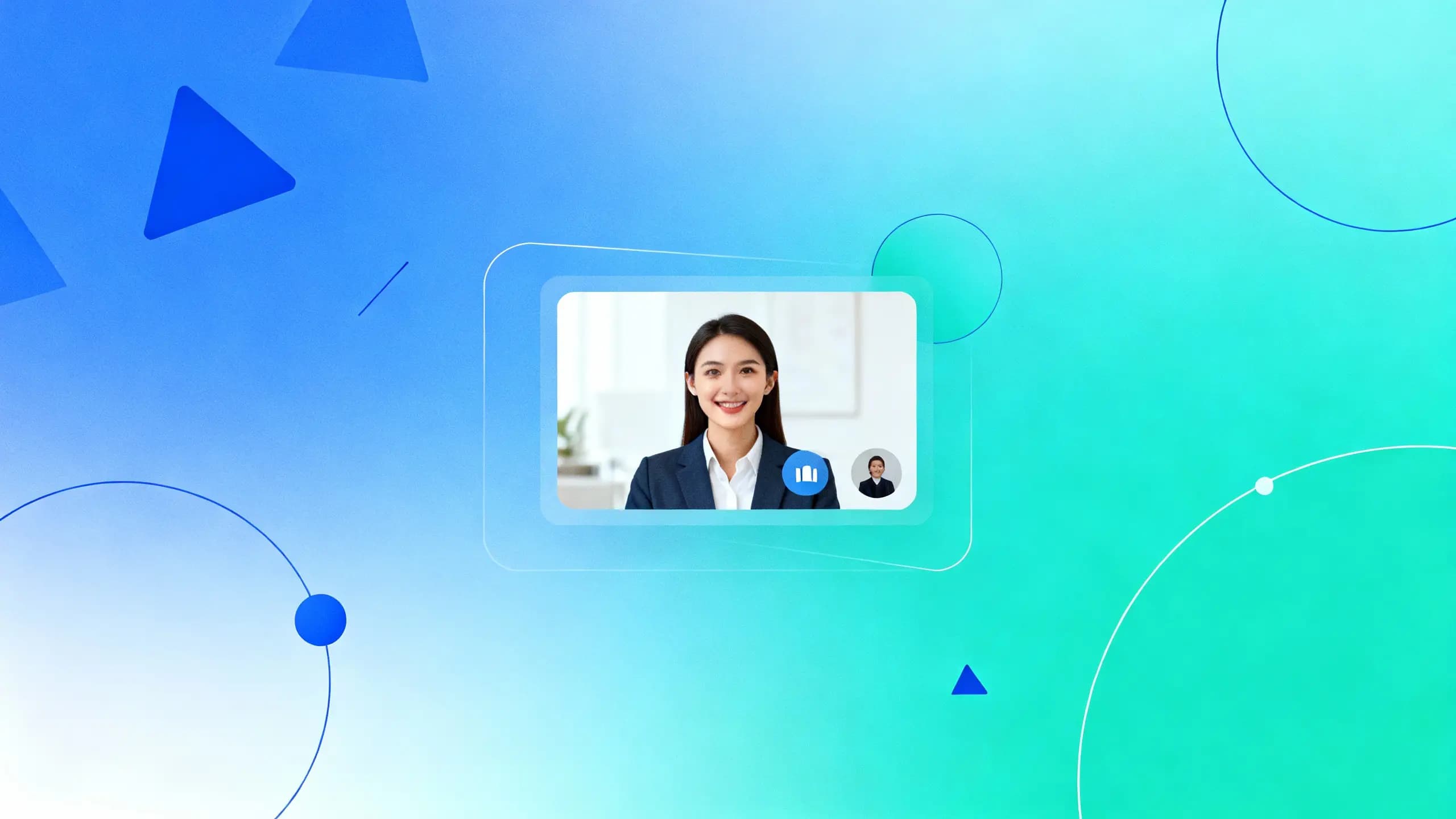
This semantic understanding is crucial because it goes beyond simple voice dictation. According to Tech2Geek's analysis, rather than just transcribing voice commands, the system will understand context and intent, enabling more natural interactions. For example, while drafting an email during a call, you could ask Windows to fetch a document or summarize a webpage without manually switching apps.
The voice interface also enables multimodal interactions. According to IT Pro's reporting, users will be able to combine voice with other input methods, speaking commands while typing, drawing, or using the mouse. The system will integrate these inputs seamlessly, understanding context across all interaction modes.
However, the voice interface also faces challenges. According to Windows Central's reporting, accurate semantic understanding requires sophisticated AI models and significant computational resources. Microsoft must ensure that voice processing is fast, accurate, and reliable to make the interface useful in real-world scenarios.
The voice interface also raises privacy concerns. According to The Verge's reporting, processing voice commands requires capturing and analyzing audio, which raises questions about data privacy and security. Microsoft's claim that most processing happens locally addresses some concerns, but user trust will be crucial for adoption.
Context Awareness: Understanding What's on Your Screen
A key capability of Microsoft's Windows 12 vision is context awareness—the ability to "look at your screen" and understand what's happening. According to Windows Central's reporting, Pavan Davuluri confirmed that "your computer can actually look at your screen and is context aware" will become an important capability going forward.
This screen understanding enables more intelligent interactions. According to Tech2Geek's analysis, the system can interpret what's displayed on-screen to provide relevant assistance, such as suggesting edits while writing, offering tools during image editing, or optimizing video calls. This capability makes Windows more helpful and proactive.
The context awareness also enables semantic search. According to Windows Central's reporting, early AI features in Copilot+ PCs already demonstrate this direction, including semantic search that interprets file content rather than relying on exact names. This capability makes finding files and information more intuitive.
However, context awareness also creates privacy challenges. According to The Verge's reporting, understanding screen content requires capturing and analyzing what's displayed, which raises concerns about data privacy and security. Microsoft's Recall feature faced significant backlash for similar capabilities, highlighting the importance of privacy in context-aware systems.
The context awareness also requires significant computational resources. According to Microsoft's documentation, processing screen content in real-time requires sophisticated AI models and efficient processing. Microsoft must ensure that context awareness doesn't degrade system performance or battery life.
Multimodal Interaction: Combining Voice, Keyboard, Mouse, and More
Microsoft's Windows 12 vision emphasizes multimodal interaction, supporting multiple input methods simultaneously. According to IT Pro's reporting, the OS will support voice, keyboard, mouse, pen, and touch inputs, with the system understanding context across all of them.
This multimodal approach is significant because it recognizes that different tasks are better suited to different input methods. According to Windows Central's reporting, users can combine inputs seamlessly, speaking commands while typing, drawing, or using the mouse. The system will integrate these inputs to understand user intent across all interaction modes.
The multimodal approach also makes Windows more accessible. According to Tech2Geek's analysis, supporting multiple input methods enables users to choose the most comfortable and efficient way to interact with their computer. This flexibility makes Windows more useful for people with different abilities and preferences.
However, the multimodal approach also creates complexity. According to Windows Central's reporting, integrating multiple input methods requires sophisticated AI models that can understand context across different modalities. Microsoft must ensure that the system accurately interprets user intent regardless of which input methods are used.
The multimodal approach also requires careful design. According to Microsoft's blog post, the interface must adapt to user preferences while maintaining consistency and usability. This balance is crucial for creating a natural and intuitive experience.
Privacy and Local Processing: Addressing User Concerns
Microsoft's Windows 12 vision emphasizes local processing to address privacy concerns. According to Windows Central's reporting, Microsoft claims most processing will happen locally on devices rather than relying on cloud servers, addressing privacy concerns that have plagued similar features.
This local processing approach is significant because it addresses one of the main concerns about AI-powered features. According to Tech2Geek's analysis, processing data locally means that sensitive information doesn't leave the device, reducing privacy risks. This approach is crucial for user acceptance of ambient computing features.
The local processing also enables faster responses. According to Microsoft's documentation, local AI processing via Windows AI APIs and Microsoft Foundry enables real-time interactions without network latency. This capability makes AI features more responsive and useful.
However, local processing also has limitations. According to Windows Central's reporting, sophisticated AI models may require significant computational resources, which could impact system performance or battery life. Microsoft must balance local processing capabilities with device performance.
The local processing also raises questions about model capabilities. According to The Verge's reporting, local AI models may be less capable than cloud-based models, potentially limiting the sophistication of AI features. Microsoft must ensure that local models are powerful enough to provide useful capabilities.
Technical Foundation: Building the AI Infrastructure
Microsoft is building the technical foundation for Windows 12's AI capabilities through several initiatives. According to Microsoft's documentation, the company is developing Windows AI APIs and Microsoft Foundry on Windows to enable local AI processing. This infrastructure is essential for enabling ambient computing capabilities.
The technical foundation also includes Model Context Protocol (MCP) on Windows. According to Microsoft's documentation, MCP enables AI models to understand and interact with Windows applications and data, providing the context awareness needed for intelligent assistance. This protocol is crucial for enabling screen understanding and semantic interactions.
The technical foundation also builds on existing Copilot+ PC features. According to Microsoft's blog post, features like semantic search, Click to Do, and Recall demonstrate the direction Microsoft is heading. These features provide the foundation for more advanced AI capabilities in Windows 12.
However, the technical foundation also faces challenges. According to Windows Central's reporting, building sophisticated AI capabilities requires significant investment in infrastructure and development. Microsoft must ensure that the technical foundation is robust and scalable.
The technical foundation also requires hardware support. According to Microsoft's blog post, Copilot+ PCs require specific hardware capabilities, including neural processing units (NPUs) for efficient AI processing. This hardware requirement may limit Windows 12's AI features to newer devices.
The Shift: From Adapting to Windows to Windows Adapting to You
Microsoft's Windows 12 vision represents a fundamental shift in the relationship between users and operating systems. According to Windows Central's reporting, rather than users adapting to Windows, Windows will adapt to user preferences, supporting multiple input methods and understanding context across all of them.
This shift is significant because it makes computing more natural and intuitive. According to Tech2Geek's analysis, the OS will learn from user behaviors to create personalized experiences, providing contextual assistance that adapts to how users prefer to work. This capability makes Windows more helpful and less intrusive.
The shift also enables new use cases. According to Windows Central's reporting, users can combine different input methods seamlessly, speaking commands while typing, drawing, or using the mouse. This flexibility enables more natural and efficient workflows.
However, the shift also creates challenges. According to The Verge's reporting, adapting to user preferences requires understanding user behavior, which raises privacy concerns. Microsoft must balance personalization with privacy to ensure user trust.
The shift also requires careful design. According to Microsoft's blog post, the interface must adapt to user preferences while maintaining consistency and usability. This balance is crucial for creating a natural and intuitive experience that doesn't confuse users.
Conclusion: The Future of Computing is Ambient and Intelligent
Microsoft's vision for Windows 12 represents a fundamental shift in how people interact with computers. The move from traditional desktop computing to AI-powered ambient computing, with voice as a first-class input method and context awareness that understands what's on your screen, could transform how people work and interact with technology.
The technical foundation is being built through Windows AI APIs, Microsoft Foundry, and Model Context Protocol, enabling local processing that addresses privacy concerns while providing sophisticated AI capabilities. The multimodal approach supports multiple input methods simultaneously, making Windows more accessible and useful across different devices and use cases.
However, the vision also faces significant challenges. Privacy concerns, computational requirements, and the need for sophisticated AI models all create obstacles that Microsoft must overcome. The company's claim that most processing happens locally addresses some concerns, but user trust will be crucial for adoption.
As Microsoft continues to develop Windows 12, the balance between capability and privacy, between local and cloud processing, and between personalization and consistency will determine whether this vision becomes reality. The shift from users adapting to Windows toward Windows adapting to users represents a fundamental change in computing, but success will depend on execution and user acceptance.
One thing is certain: Microsoft's vision for Windows 12 represents a bold reimagining of how people interact with computers. The ambient computing approach, with voice as primary input and context awareness, could make computing more natural and intuitive. Whether this vision becomes reality will depend on how well Microsoft executes the technical foundation, addresses privacy concerns, and creates experiences that users find valuable and trustworthy.
The future of computing may be ambient, intelligent, and voice-driven, but getting there will require careful navigation of technical, privacy, and user experience challenges. Microsoft's Windows 12 vision provides a roadmap, but the journey is just beginning.